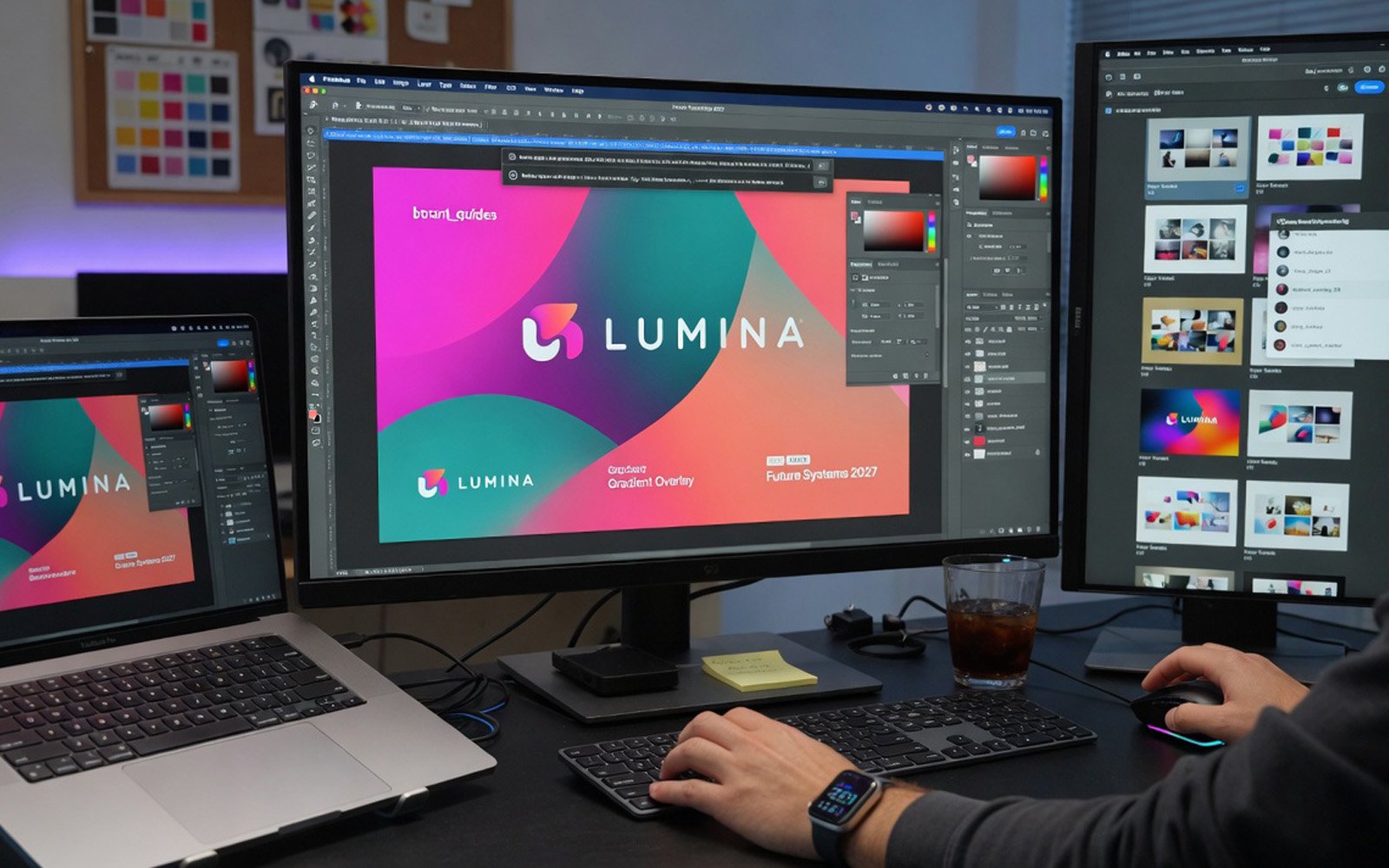
Adobe Photoshop Training Course
1-Day Level 1 · Hands-on practical training in central London
1-Day Level 1 · Hands-on practical training in central London
Adobe Photoshop is the world's leading tool for photographic retouching, image manipulation, and preparing graphics for professional output. Whether you're a designer, marketer, or creative professional, this intensive 1-day course will give you the practical skills to work confidently with Photoshop.
Our expert Adobe-certified tutors take a hands-on approach, guiding you through real-world exercises so you leave with skills you can apply immediately.
This course is aimed at beginners and those with limited Photoshop experience who need to use the software for their work. It's ideal for:
No prior Photoshop experience is needed. This Level 1 course is designed for complete beginners. If you can use a computer and mouse, you're ready.
We teach the latest version of Adobe Photoshop CC. The skills you learn are transferable to earlier versions as well.
No. We provide fully equipped workstations with the latest software. Just bring yourself!
You receive a course manual, a completion certificate, and unlimited email support from your tutor. If you get stuck on a project back at work, just email us.
Absolutely. We offer bespoke training for individuals and teams, at your office or ours. Contact us for a quote.
The discount is applied automatically when you book. No voucher code needed — just get in touch to reserve your place.
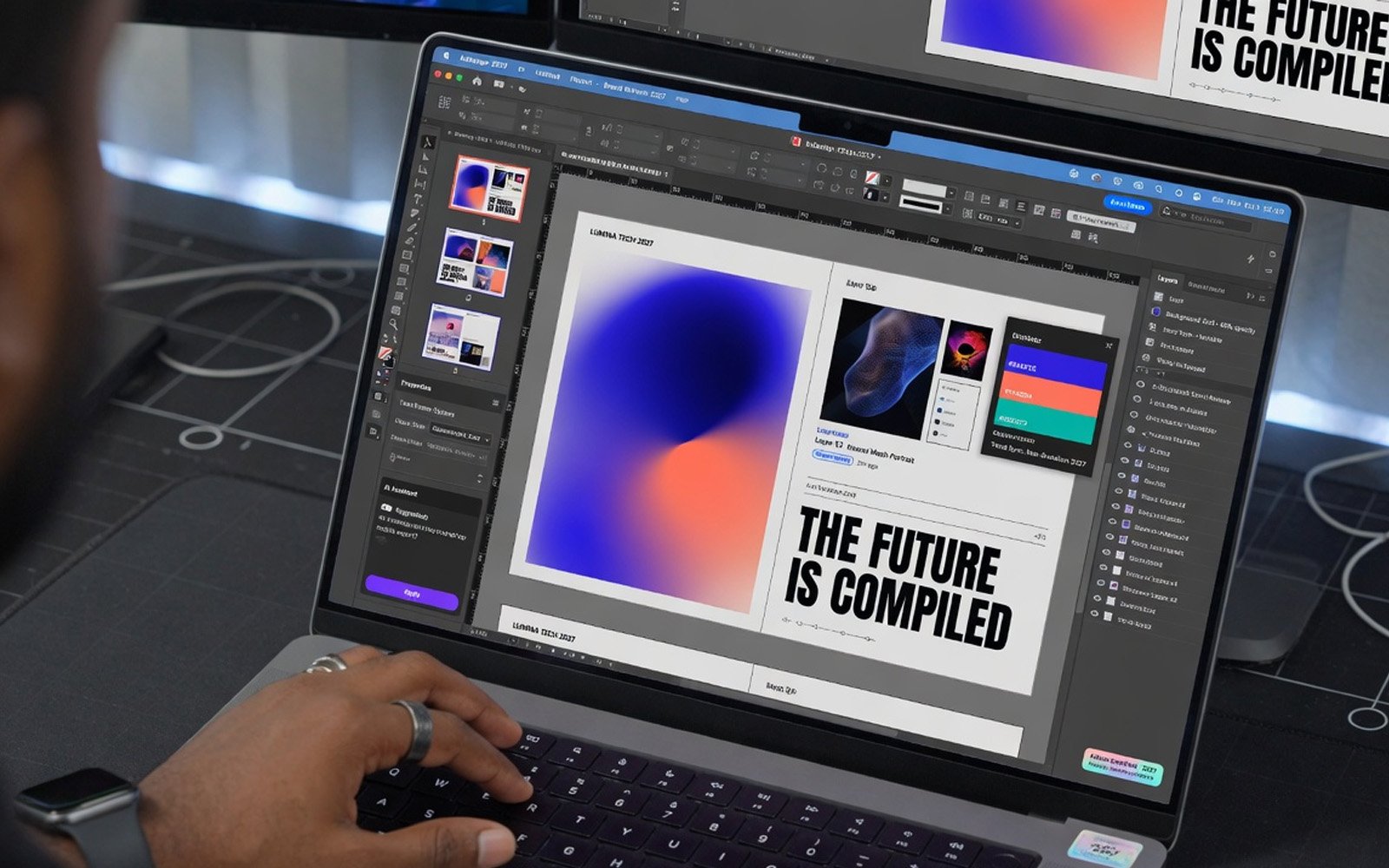
The industry standard for page layout, print design and creating marketing material.
View course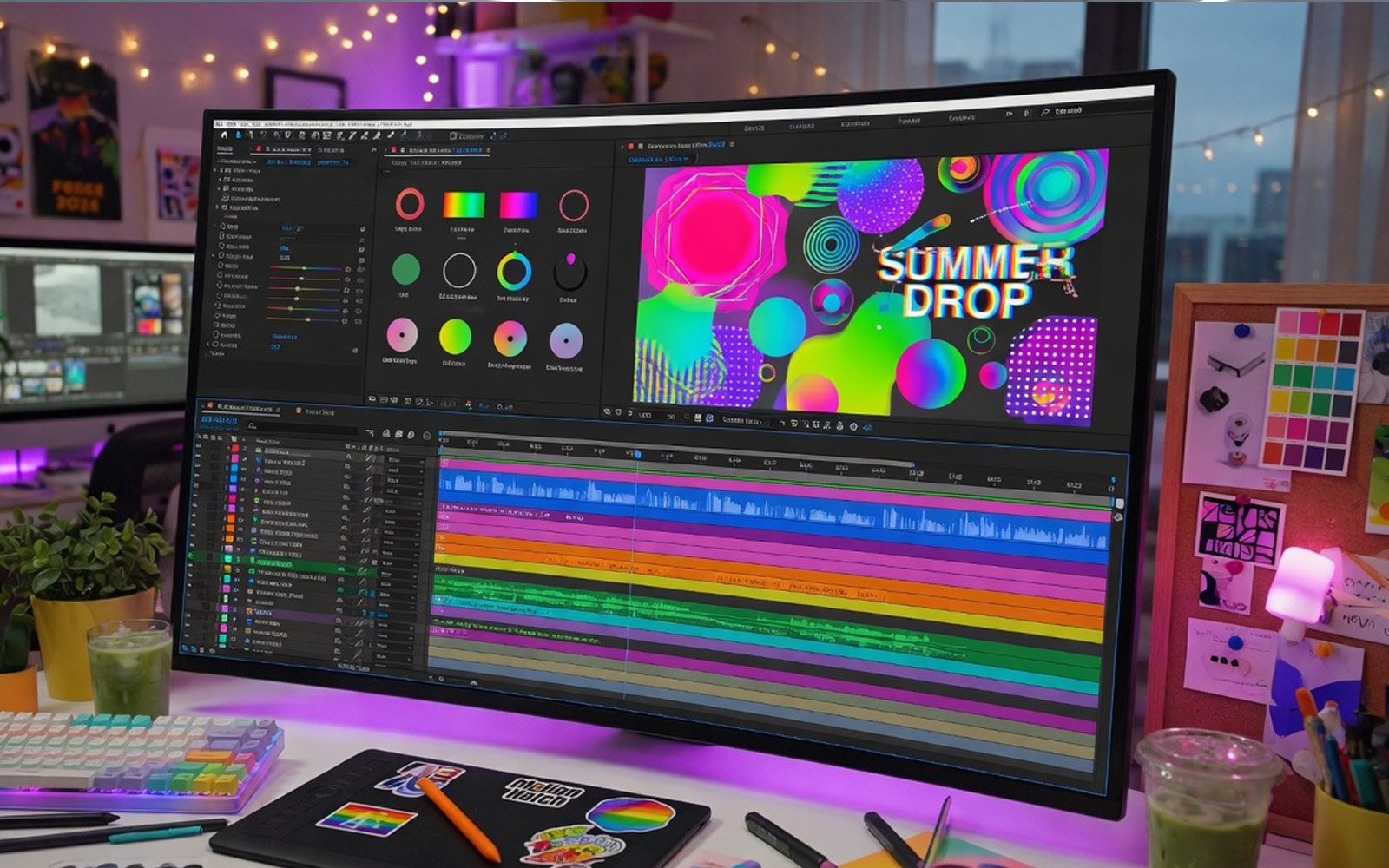
Motion graphics, video editing and visual effects for all screen sizes.
View course
Private training at your office or ours, customised to your team's requirements.
Learn more